
Find your next
tech role.
Learn from engineering blogs, validate your skills with quizzes, and land the offer that matches your ability.
Open Roles
Featured Jobs
Software Engineer
Roboyo · hyderabad
Senior Python & AI Engineer
Crunchyroll · hyderabad
Software Engineer
Google · hyderabad
Software Engineer III, Infrastructure, Spanner SQL Language
Google · hyderabad
AI and Data Engineer, Google Cloud
Apple · hyderabad
Software Development Engineer - Test
+19
more roles
Browse all jobsJust Posted
Latest Openings
Agivant Technologies · hyderabad
AI Engineer – Agentic AI & GraphRAG
Crunchyroll · hyderabad
Senior MLOps Engineer
Crunchyroll · hyderabad
Senior Database Operations Engineer
Carrier · hyderabad
Senior AI/ML Engineer
Deloitte · hyderabad
Tax Software Engineer II - L35 TTO
Learn
Engineering Insights
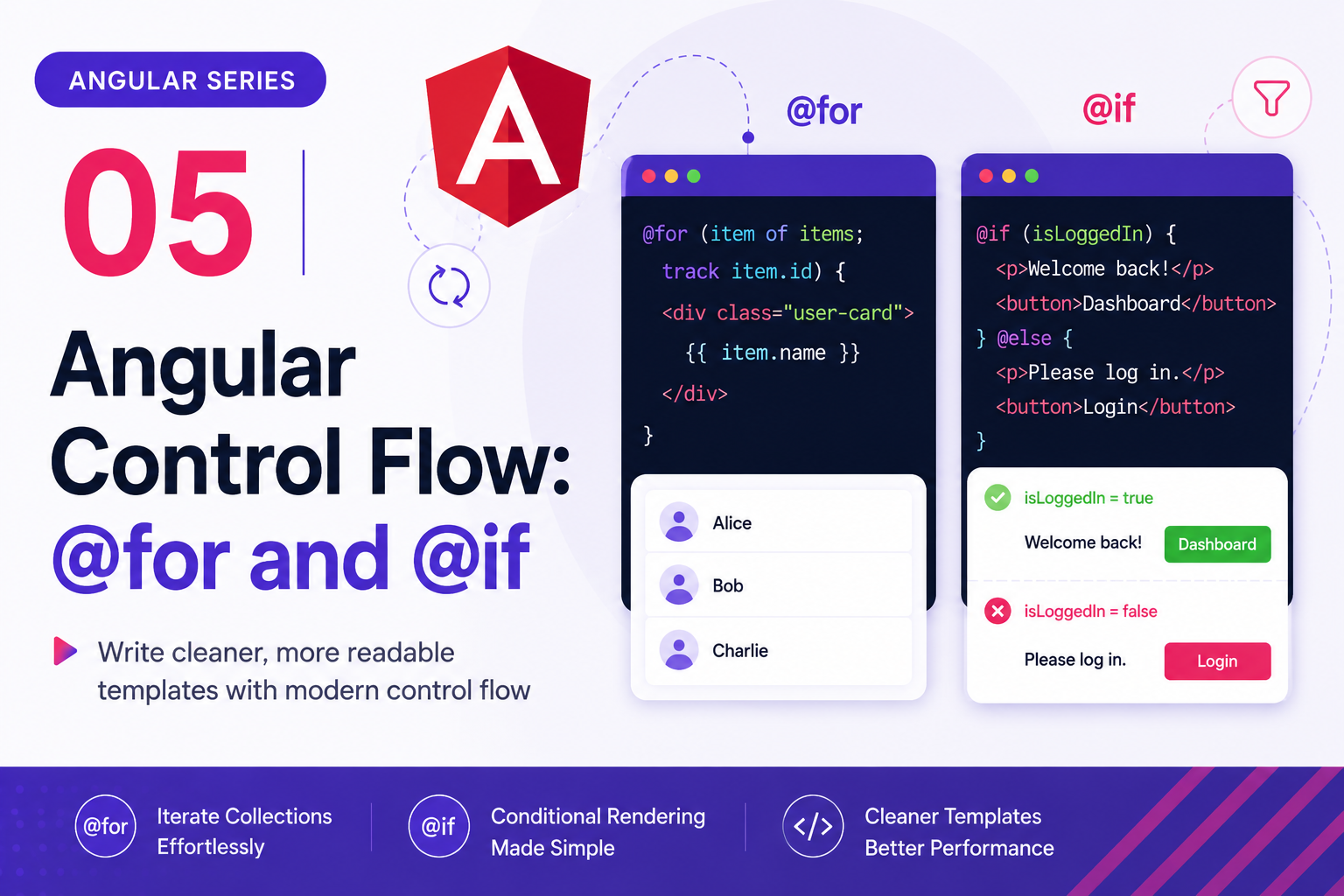
Angular Series - 05 - Angular Control Flow: `@for` and `@if`
In our previous posts, we learned how to bind data and events from our TypeScript component to our HTML template. Now, we need to control *how* and *when* that data is rendered. This post explains Angular’s modern control-flow syntax. We will look at how to repeat UI elements using `@for`, how to conditionally show elements using `@if`, and how to apply this directly to our Task Manager project to split our tasks into "Pending" and "Completed" lists.
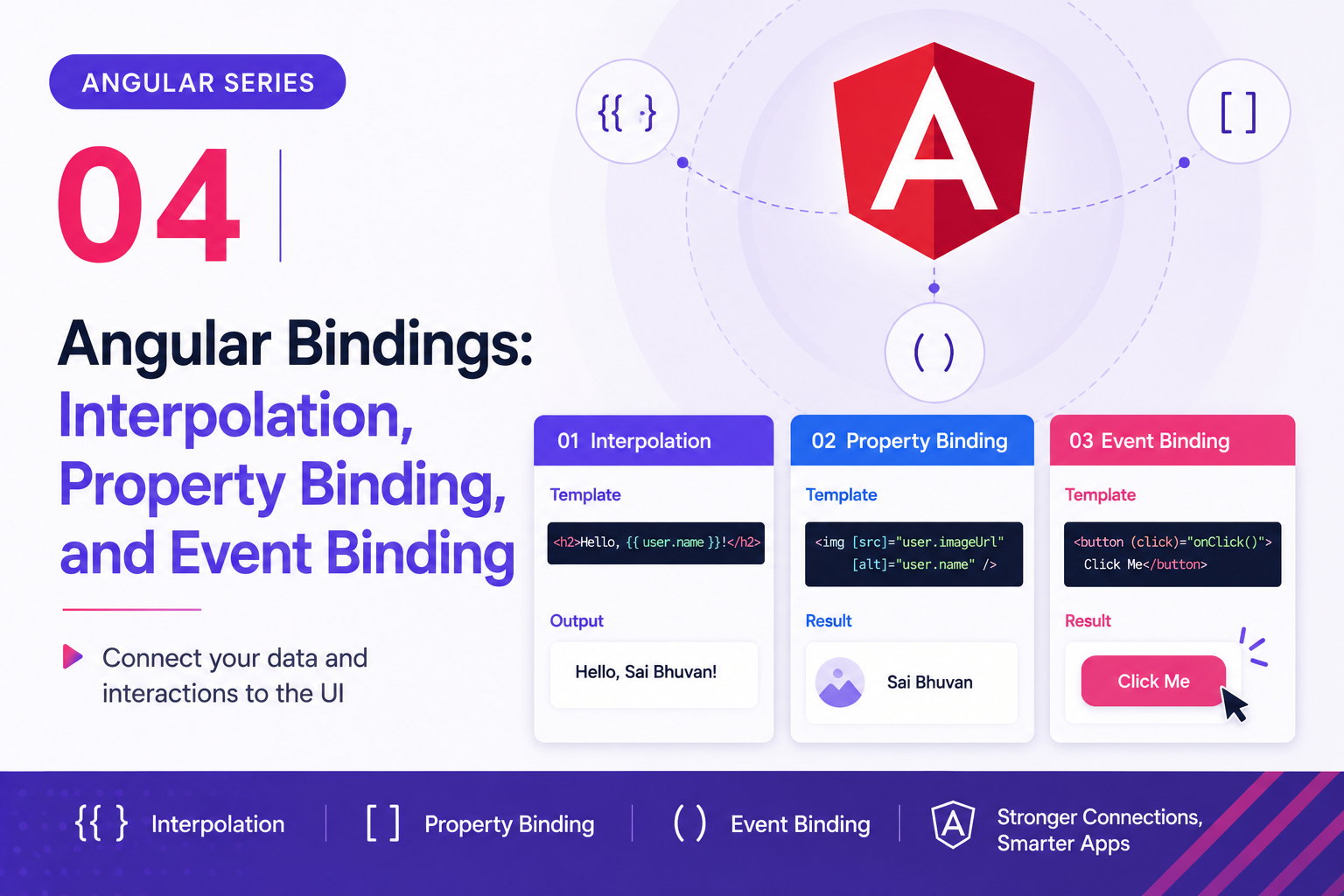
Angular Series - 04 - Angular Bindings: Interpolation, Property Binding, and Event Binding
In our last post, we successfully connected a mock JSON dataset to our Angular component and displayed our tasks using Angular's `@for` and `@if` control flow. But right now, our Task Manager is completely static. This post explains the three foundational Angular template concepts you need to bring your application to life: **Interpolation**, **Property Binding**, and **Event Binding**. We will use our current Task component as the main example, so the syntax feels directly connected to the real code we have been writing.
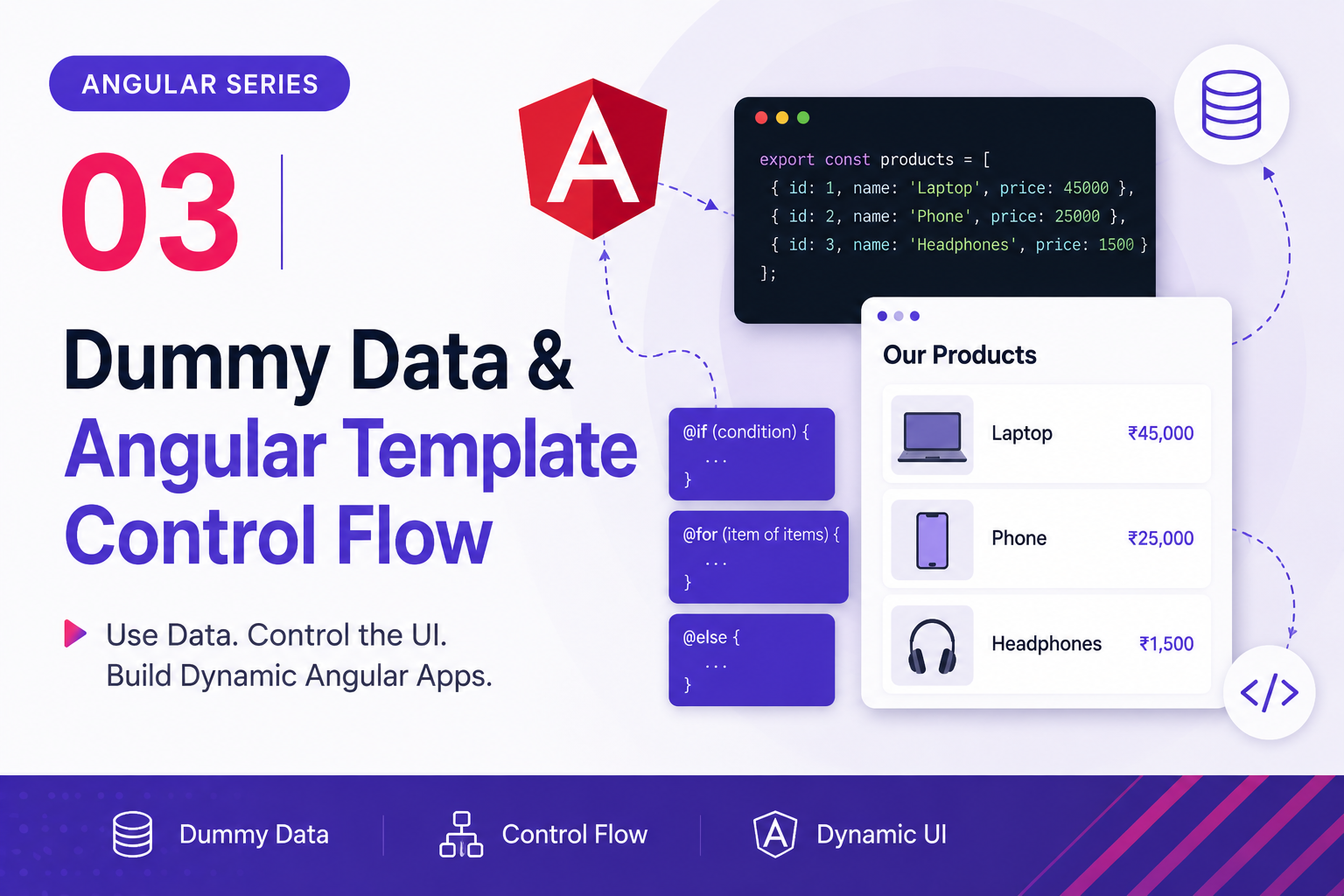
Angular Series - 03 - Dummy Data & Angular Template Control Flow
In our previous post, we looked at how Angular splits component logic and visual layout into distinct files using a `task-item` child component. Now, it's time to put that architecture to work by connecting real data. This post will walk you through a foundational backend-to-frontend milestone: connecting a mock JSON dataset to an Angular component and dynamically rendering it using modern Angular template control flow (`@for` and `@if`).
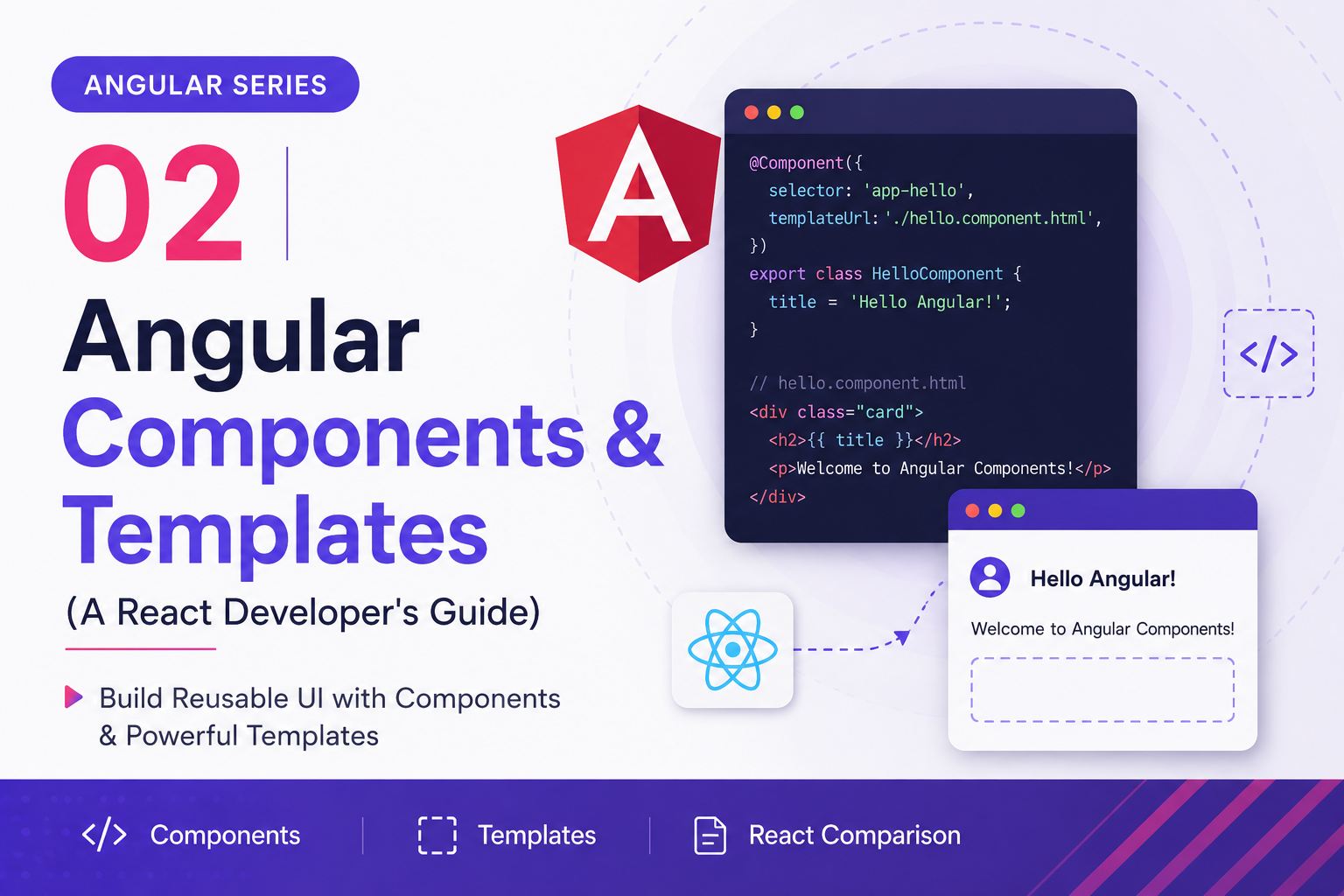
Angular Series - 02 - Angular Components & Templates (A React Developer's Guide)
If you are coming from a React background, the absolute easiest way to wrap your head around Angular is to use this....
Angular Series - 01 - Understanding Angular CLI & Project Structure
If you are starting Angular fresh, the easiest way to understand it is to follow the journey from project creation to what finally appears in the browser. This post explains the basics of an Angular project setup, how the Angular CLI helps, and what each important file is doing in your app. To make these concepts stick, we are going to look at them through the lens of a real-world workflow: **building a simple Task/Todo Item manager**.
How to Build an AI-Powered Slack Bot with n8n (Step-by-Step Guide)
Connecting a custom Slack bot to an intelligent n8n workflow can initially feel like wiring a complex switchboard. However, anchoring these technical steps to a real-life workflow—such as building an automated IT support assistant that instantly parses incoming team queries, drafts a solution via an AI agent, and drops the answer right back into your `#help-desk` channel—makes the entire integration process much easier to visualize. Here is your complete guide and visual map to connecting Slack, webhooks, and n8n into a seamless automated loop.