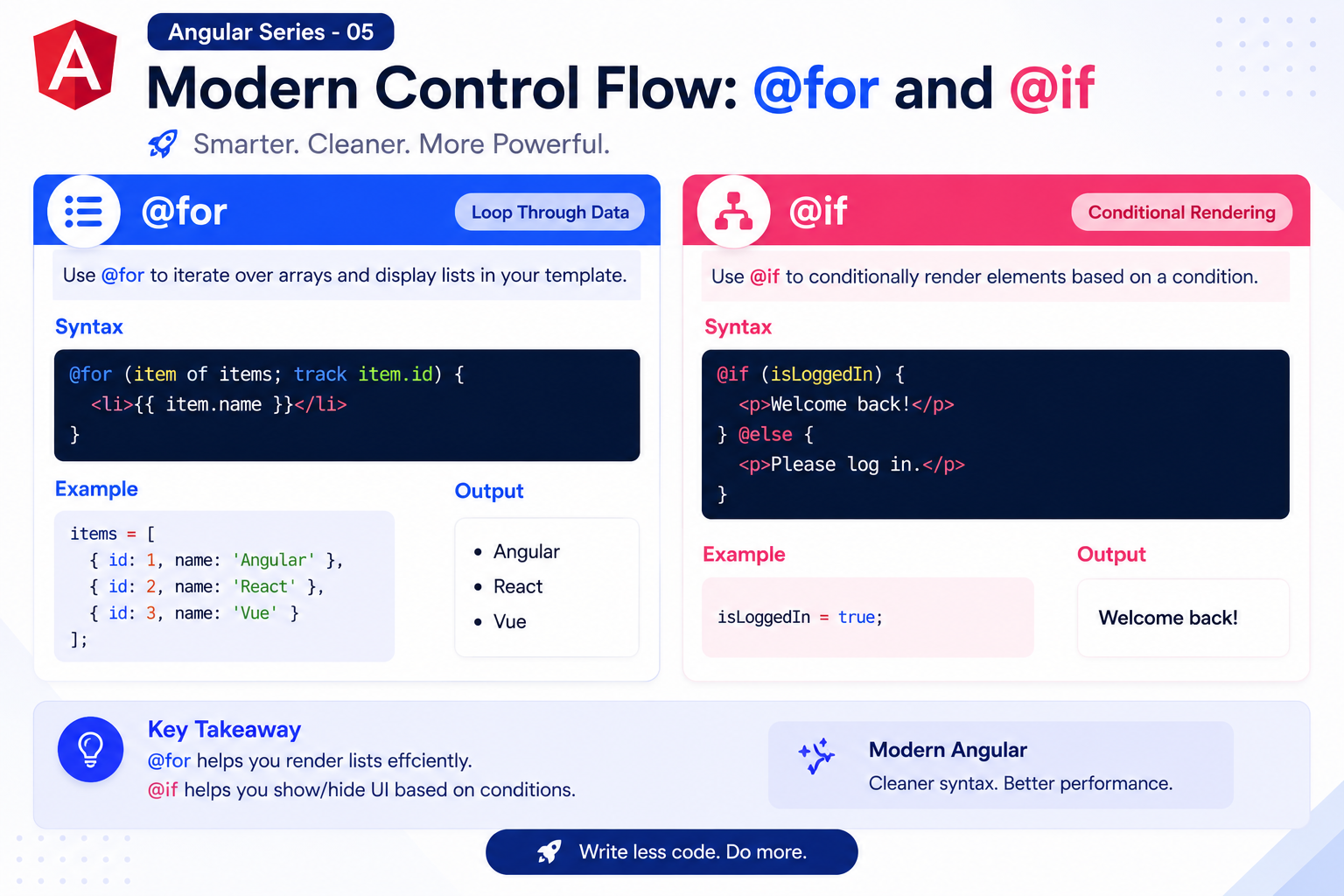
Angular Series - 05 - Angular Control Flow: `@for` and `@if`
Technical Staff
FilterB Editorial
1. What Is Control Flow In Angular?
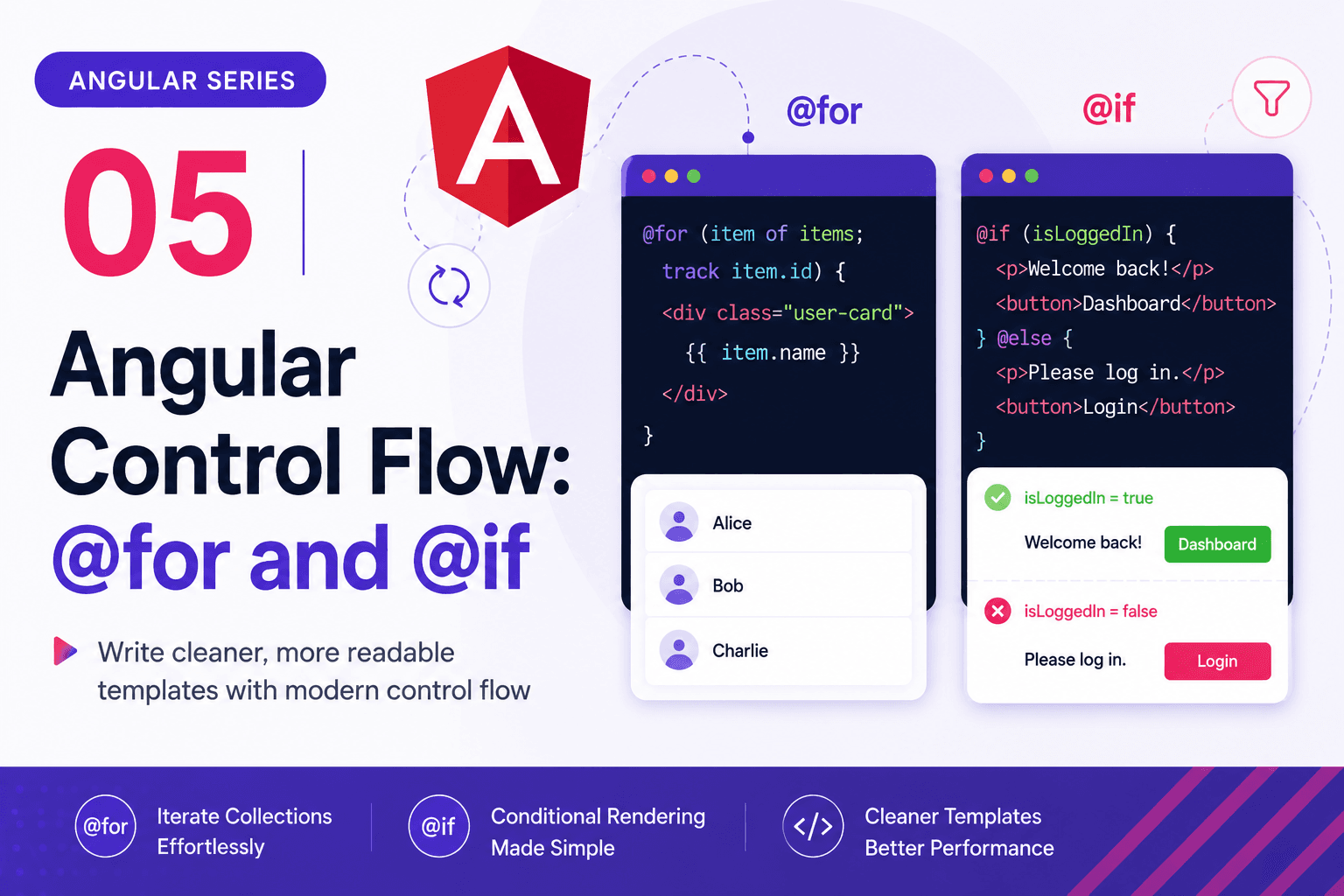
Control flow simply means deciding what HTML should be repeated or shown based on your underlying data. In Angular templates, this usually translates to two main actions:
- Repeating a block of HTML for each item in an array (
@for). - Showing a specific HTML block only if a condition evaluates to true (
@if).
By combining loops and conditions, you have full programmatic control over your view layer without having to write complex DOM manipulation logic inside your TypeScript file.
2. The Logic of `@if`, `@else if`, and `@else`
The @if syntax allows you to conditionally render blocks of HTML. If the condition evaluates to true, the block is shown; if false, Angular completely removes it from the DOM (it doesn't just hide it with CSS, it destroys it).
You can chain these conditions using @else if for multiple states, and @else as a final fallback.
Here is a visual breakdown of how Angular's template engine evaluates an @if statement:
React Comparison for Conditionals
If you come from React, you are likely used to writing ternary operators like this:
{task.completed ? <span>Completed</span> : <span>Pending</span>}
While that works well for small components, Angular's @if block mimics traditional backend programming statements.
@if (task.completed) {
  <span class="badge-success">Completed</span>
} @else if (task.inProgress) {
  <span class="badge-warning">In Progress</span>
} @else {
  <span class="badge-pending">Pending</span>
}
This cleaner syntax avoids nested JavaScript symbols, matching your classic backend programming conditional workflows.