Angular Series - 03 - Dummy Data & Angular Template Control Flow
Technical Staff
FilterB Editorial
In our previous post, we looked at how Angular splits component logic and visual layout into distinct files using a task-item child component. Now, it's time to put that architecture to work by connecting real data.
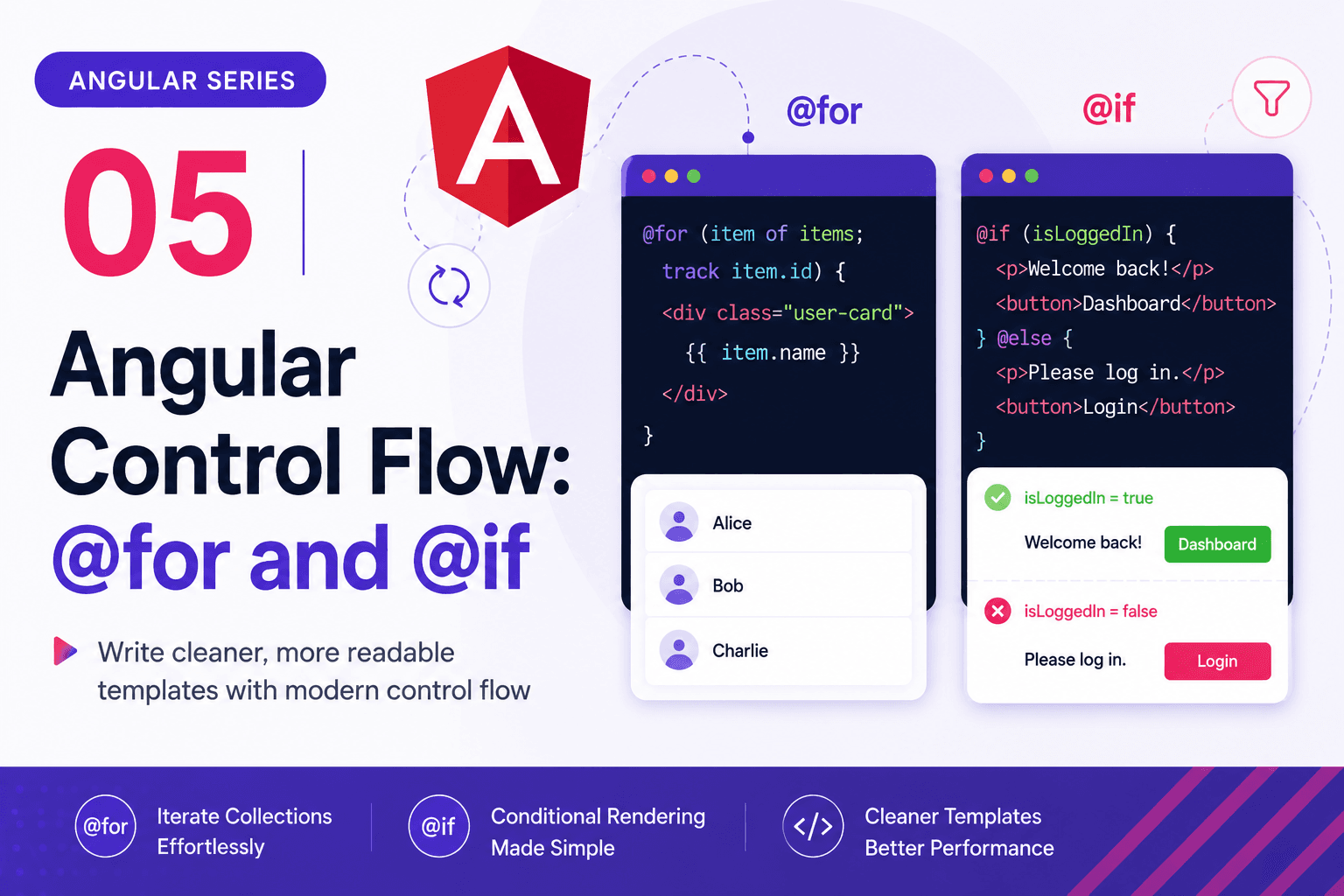
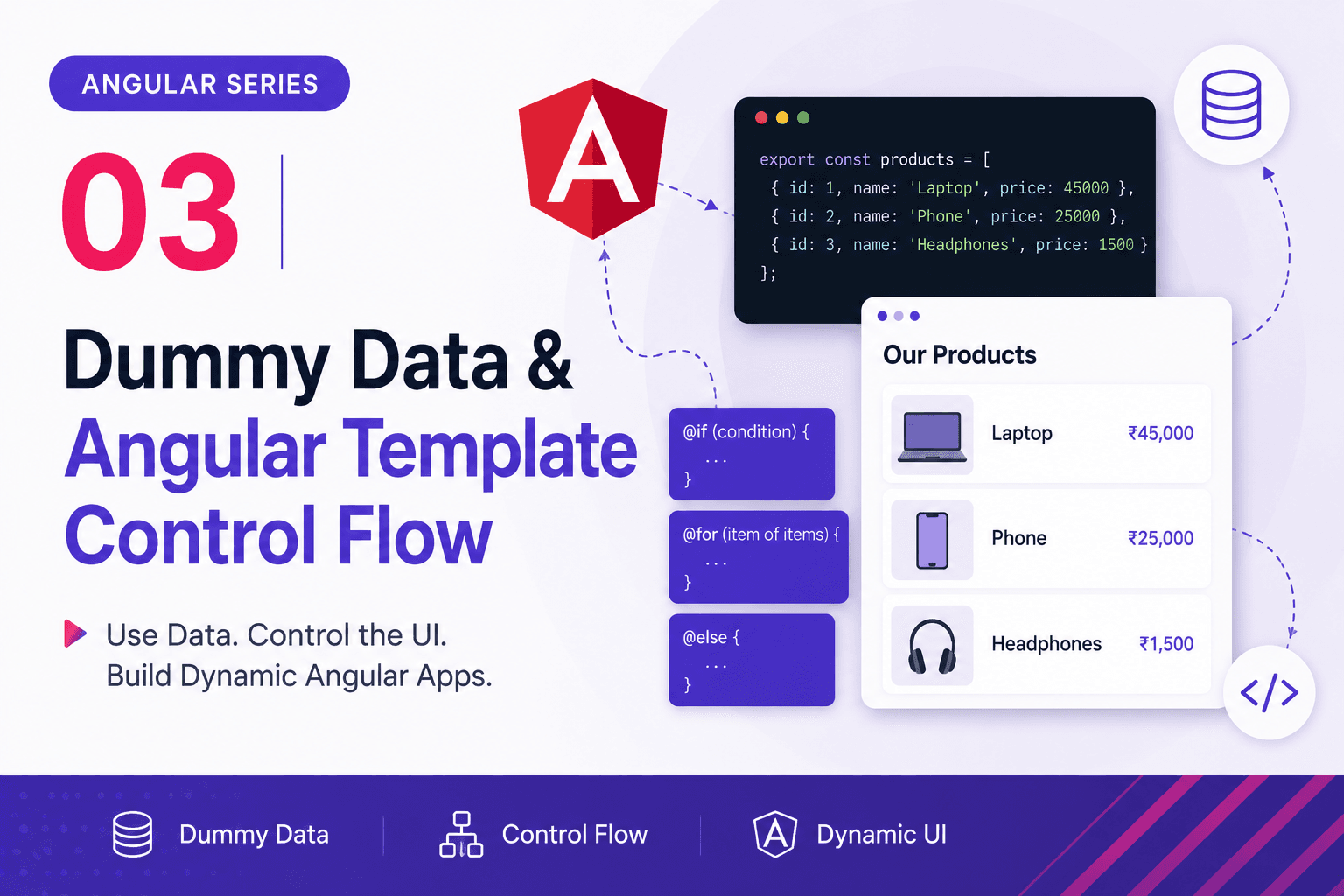
This post will walk you through a foundational backend-to-frontend milestone: connecting a mock JSON dataset to an Angular component and dynamically rendering it using modern Angular template control flow (@for and @if).
We will explore:
- How to structure your local mock data.
- Configuring TypeScript to safely load JSON modules.
- How data moves seamlessly from a file to the DOM.
- The modern Angular template control flow compared directly to the React mental model.
1. Feature Architecture
To keep our Task Manager cleanly organized, we are grouping our new logic inside a dedicated feature component area. Here are the files we are working with:
task-manager-demo/src/app/components/task/
├── dummy-task.json       # Our raw mock dataset
├── task.ts               # Component brain coordinating data
└── task.html             # The template displaying the list
To make this data available, we also configure our workspace compilation rules in the root configuration file: task-manager-demo/tsconfig.app.json.
2. Setting Up the Data & TypeScript Configuration
dummy-task.json
Instead of hardcoding objects directly into our TypeScript class, we store them in a clean JSON format. This closely mimics how real data will eventually arrive from a REST API or Java Spring Boot backend.
{
  "DUMMY_TASKS": [
    {
      "id": 1,
      "title": "Create Angular Project",
      "completed": true
    },
    {
      "id": 2,
      "title": "Master Components & Templates",
      "completed": true
    },
    {
      "id": 3,
      "title": "Link Angular and Backend Projects",
      "completed": false
    }
  ]
}