Python 101: Mastering the Basic Syntax
Technical Staff
FilterB Editorial
The Anatomy of Python Control Flow
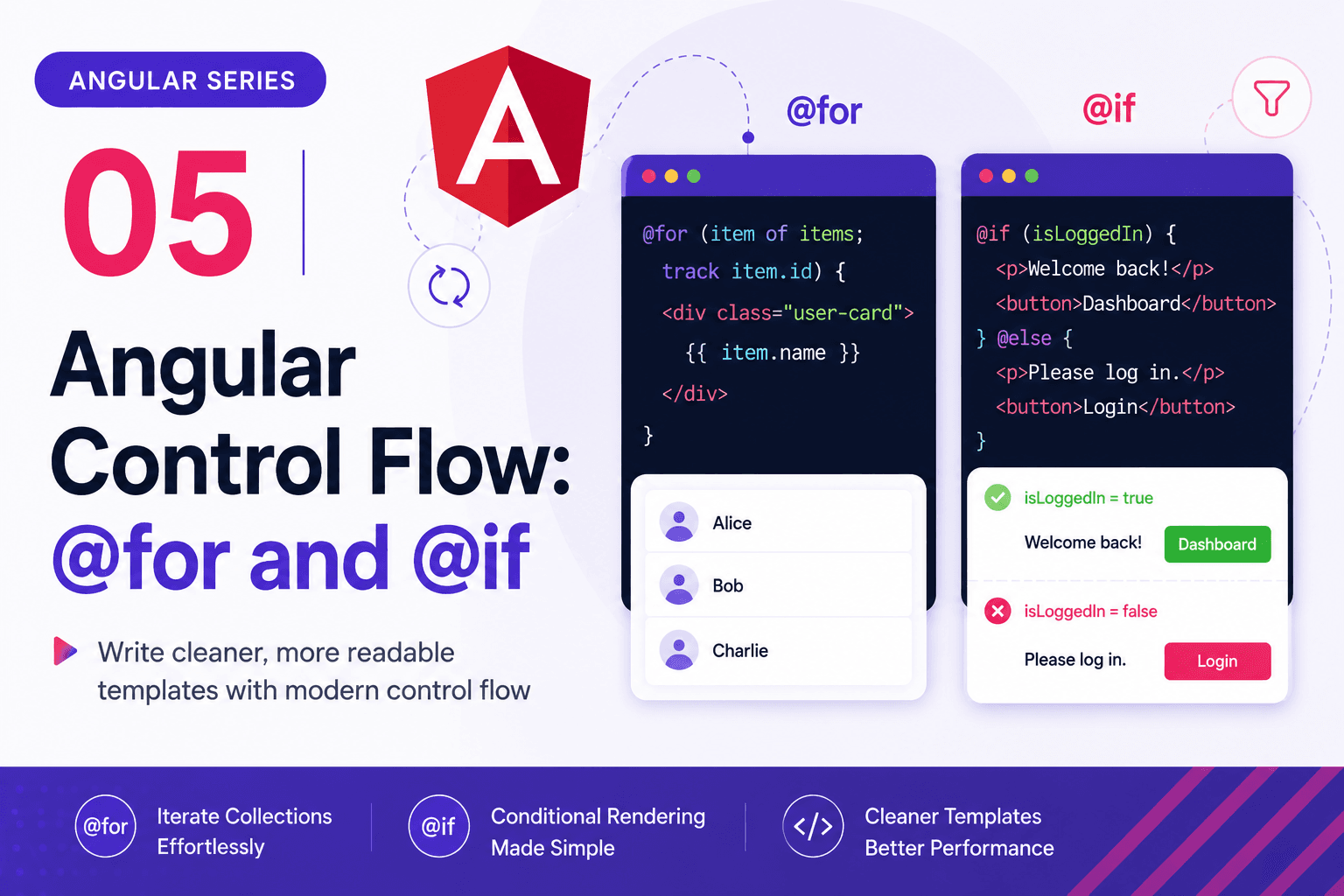
Before we dive into the code, it helps to understand how a program "thinks." Python reads code top-to-bottom, but we can use control structures to make decisions. Here is a visual representation of a simple decision-making process in programming:
1. Variables and Data Types
In Python, you do not need to explicitly declare a variable's data type before using it. A variable is created the moment you assign a value to it using the = operator.
- Strings (
str): Text wrapped in quotes. - Integers (
int): Whole numbers. - Floats (
float): Decimal numbers. - Booleans (
bool): True or False values.
# Variable Assignment
user_name = "Alice"     # String
user_age = 28           # Integer
account_balance = 250.50 # Float
is_active = True        # Boolean

# Printing variables using an f-string (formatted string)
print(f"User {user_name} is {user_age} years old.")
2. The Golden Rule: Indentation
Unlike languages such as C++ or Java that use curly braces {} to group blocks of code, Python relies entirely on indentation (whitespace at the beginning of a line).
If you do not indent correctly, Python will throw an IndentationError.
# Correct Indentation
if user_age > 18:
    print("Welcome to the platform.") # This is indented (usually 4 spaces)
    print("Enjoy your stay!")         # Belongs to the same block

# Incorrect - This will cause an error!
# if user_age > 18:
# print("Welcome!")
Distribute Knowledge
Verify Your Understanding
Complete this interactive quiz to check your grasp of the technical details covered in this post.