🚀 5 Python Concepts You Must Master Before Your First Line of Django
Technical Staff
FilterB Editorial
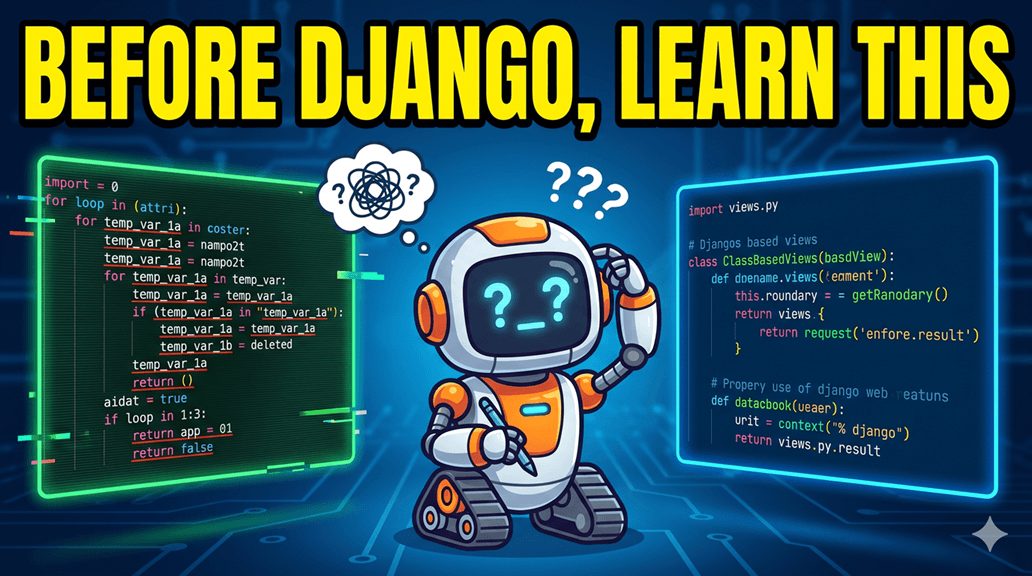
The "Hidden Killer" of Django Dreams
Every week, hundreds of beginners start a Django tutorial and quit by day 10. The problem isn't the documentation—it’s a shaky Python foundation. Django is "Magic," but that magic is just advanced Python.
If you master these 5 concepts today, you won't just copy code; you'll understand it.
1. List Comprehensions: The "Data Transformer"
In Django, you’ll spend 80% of your time pulling data from a database (Querysets) and turning it into something else (JSON, list of names, etc.).
Real-Life Example: Imagine a pile of ID cards. You only need the names printed on a clean sheet of paper. You could pick them up one by one, or use a "scanner" that does it in one go.
```python
# ❌ The "Slow" Way (Iterative)
usernames = []
for profile in profiles:
    usernames.append(profile.username)

# ✅ The "Django Pro" Way (List Comprehension)
usernames = [p.username for p in profiles]
```
💡 Why it matters: You will see this constantly in Serializers and Template Contexts. If you don't know this, Django's internal logic will look like gibberish.
2. *args and **kwargs: The "Universal Plug"
Django is built to be flexible. It needs functions that can accept any amount of data. When you see these in a function, think of them as a "collect-all" bucket.
*args: Collects extra positional arguments as a Tuple.**kwargs: Collects extra keyword arguments as a Dictionary.
```python
def build_profile(name, *skills, **socials):
    print(f"User: {name}")
    print(f"Skills: {skills}")   # ('Python', 'Django')
    print(f"Socials: {socials}") # {'youtube': 'TeacherB', 'twitter': '@teacherbcode'}

build_profile("Developer", "Python", "Django", youtube="TeacherB", twitter="@teacherbcode")
```
Distribute Knowledge
Verify Your Understanding
Complete this interactive quiz to check your grasp of the technical details covered in this post.